Last updated: November 14, 2026
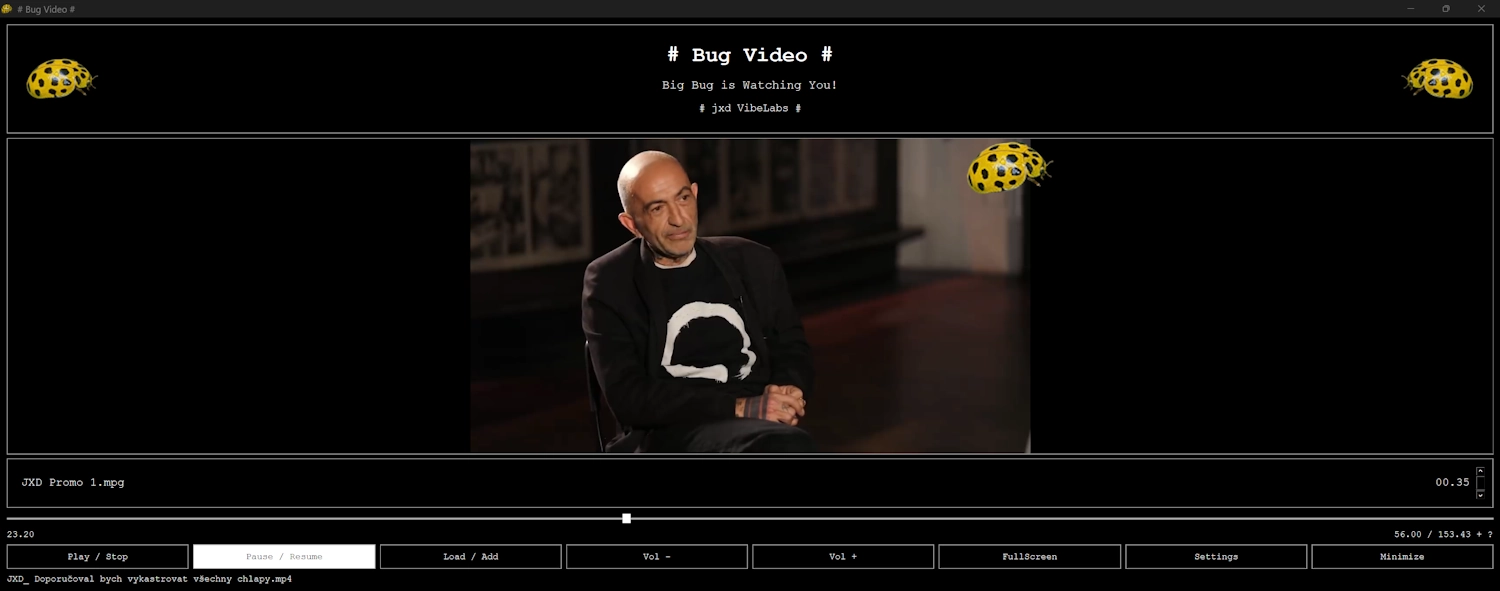
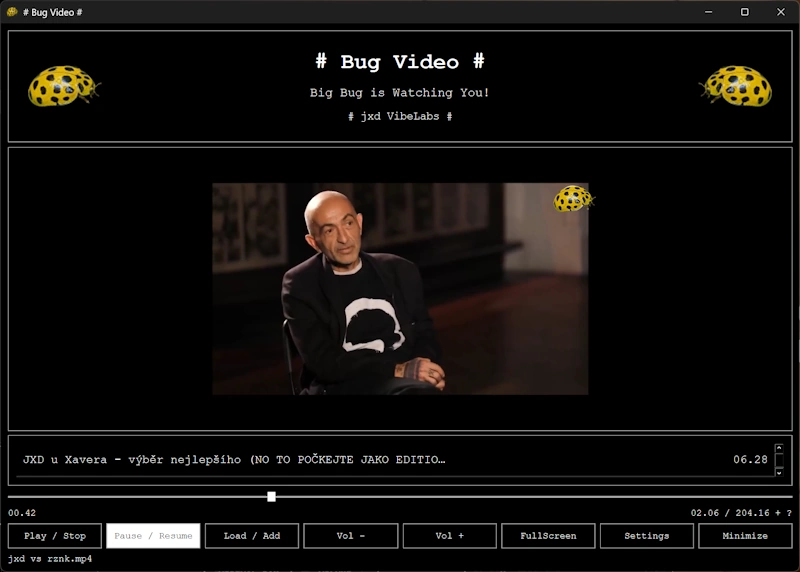
Bug Video is a Windows desktop video player developed by Jiri X. Dolezal under the JXD VibeLabs name.
Data accessed by the app
Bug Video reads the video files and playlists you choose so it can display file names, determine media duration, and play video and audio. When you select a folder, the app searches that folder and its subfolders for supported video file extensions.
These operations take place on your computer. The app does not upload your videos, playlists, or file paths to the developer.
Locally stored settings
Bug Video saves the following information to restore your preferences between sessions:
- Playlist file paths and their order.
- Volume level.
- Window position and size.
- Window lock settings.
- The last folder used when selecting files.
The standalone version stores these settings in %APPDATA%\Bug Video\settings.ini. Windows may redirect this location for a packaged installation.
File paths may contain personal information, such as your Windows user name or folder names. The settings file is not encrypted by Bug Video; access is governed by Windows file permissions and your device’s security settings.
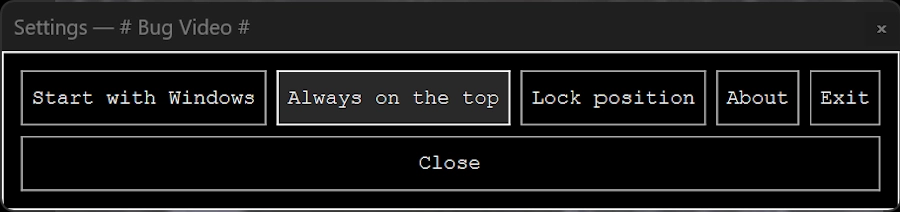
The app also stores your optional startup preference through Windows. Standalone installations use a per-user startup registry entry; packaged installations use the Windows startup-task mechanism.
Collection, tracking, and sharing
Bug Video does not require an account and does not include advertising, analytics, tracking tools, or automatic crash reporting to the developer.
The app does not sell your data or automatically send your media, playlist contents, or app settings to the developer or third parties.
Playing files stored on your computer does not require an internet connection. If you choose files in a network location or a folder managed by a cloud service, Windows or that service may access the network to make those files available.
Exported playlists
When you save a playlist, Bug Video writes an M3U8 file to the location you select. Exported playlists contain full file paths, which may reveal user names or folder names if you share them.
Removing an item from the app’s playlist does not delete the original video.
External services and support
Website and email links open in your default browser or email application. Those applications and any services you visit operate under their own privacy policies.
If you contact the developer by email, the developer receives your email address and the information you choose to include. Do not send private videos or other sensitive material unless necessary for your request.
Windows and Microsoft Store may process information independently under Microsoft’s privacy policies. This policy describes Bug Video itself.

Retention and deletion
Saved settings remain on your device until removed or replaced. To clear the saved playlist, remove its entries and close the app normally.
For the standalone version, you can reset all saved preferences by closing Bug Video and deleting %APPDATA%\Bug Video\settings.ini. This does not delete your video files. Packaged installations may store this file in a Windows-managed location; contact the developer if you need help locating it.
Exported playlists remain where you saved them until you delete them. You can disable optional automatic startup through the app or Windows startup settings.
Changes to this policy
This policy may be updated to reflect changes to the app. The date above identifies the latest revision.
Credits & Copyright
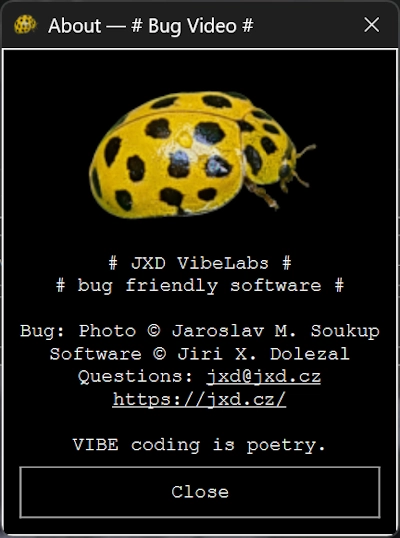
- Concept & Software: © Jiri X. Dolezal (https://jxd.cz/)
- Photography: © Jaroslav M. Soukup
- Organization: JXD VibeLabs
- Contact: jxd@jxd.cz
Contact
Jiri X. Dolezal — JXD VibeLabs
Email: jxd@jxd.cz
Website: https://jxd.cz/