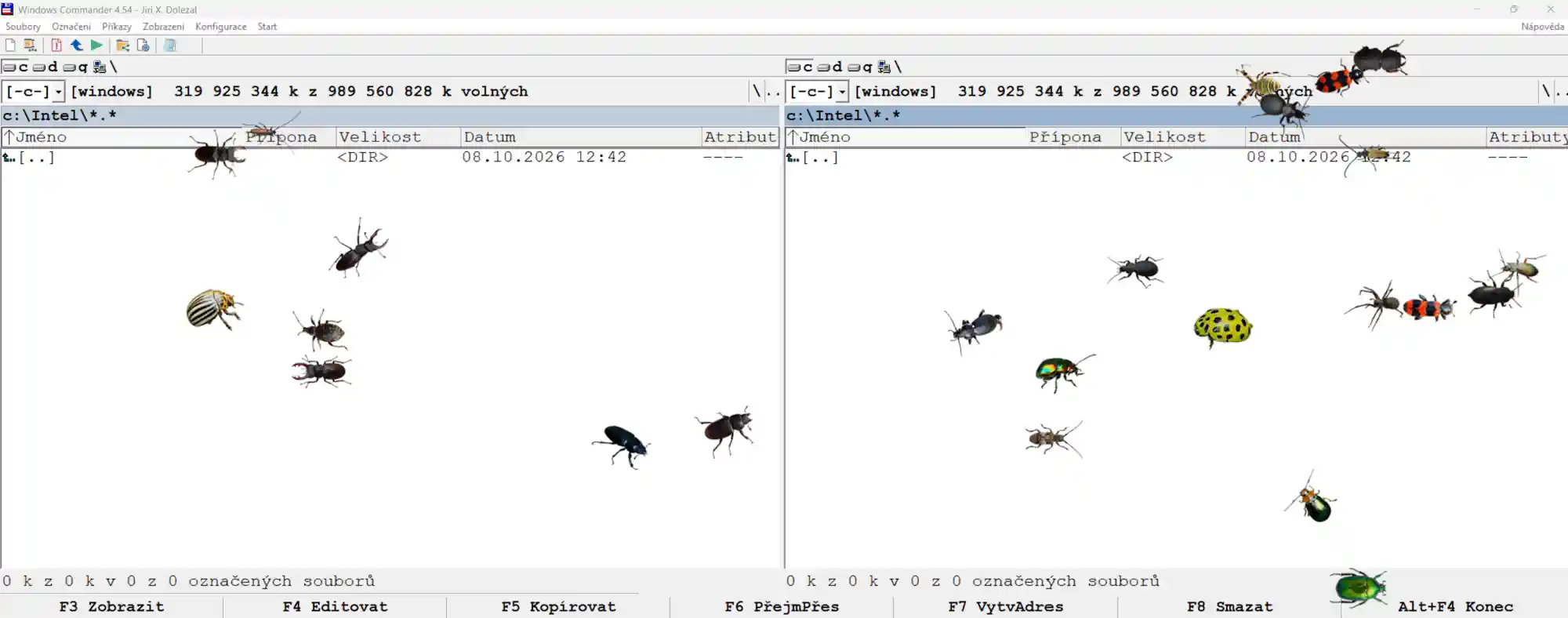

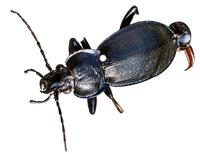
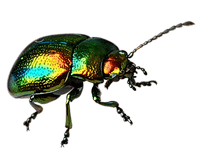
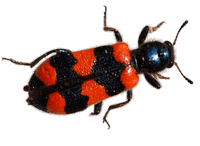
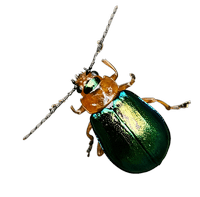
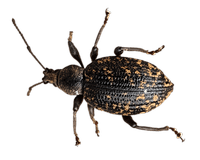
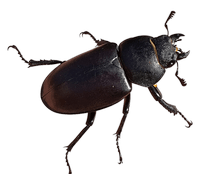
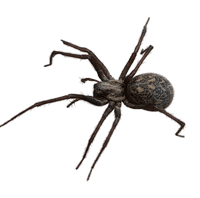
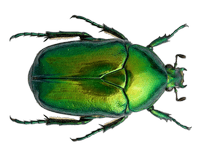
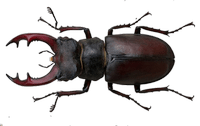
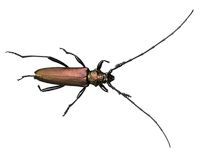
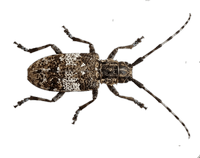
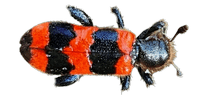
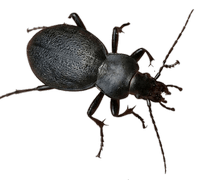
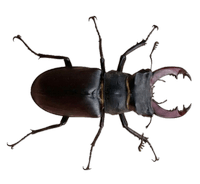
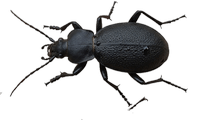
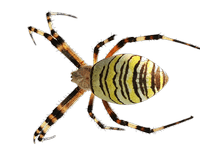

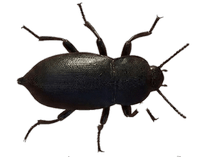
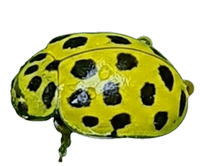
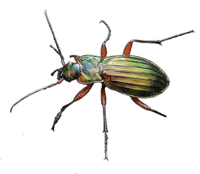
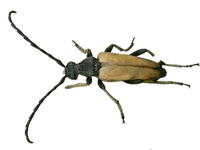
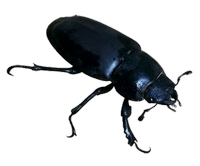
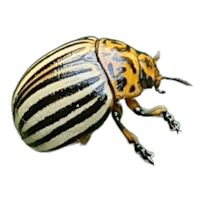
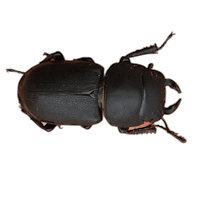
Bug Dance – software that’s a must-have for every bug lover
An interactive, ambient desktop overlay application for Windows 11 built with Python and PyQt6. Floating invertebrate graphics animate across your screen while full control remains accessible via the Windows System Tray.
The invertebrates are real; the photographs were taken between 2022 and 2029 in the Czech Republic. No creatures, beetles, or spiders were harmed during the photography or the development of this software.
Features
- System Tray Navigation: Runs seamlessly in the system notification area with
Bug_Dance.ico.
Right-Click Control Menu
- Pause / Play: Pause or resume all floating bug animations instantly.
- Speed Controls: 5 speed tiers (Very Slow, Slow, Normal, Fast, Very Fast).
- Always on top Toggle: Option to pin floating bugs above all active desktop windows.
- Bugs Submenu (Bug #1 – Bug #24): Toggle individual bugs on or off.
- Catalog of Bugs Sub-window: Open About and click to HERE – the Bugs Catalog automatically presents a 1000px wide Catalog preview (
Catalog\_of\_Bugs.png) with numbers of bugs an explicit „Close“ button. - Persistent Configuration: Automatically saves your speed, „Always on top“ state, and bug selection to
bug\_dance\_config.jsonupon exit and restores them on launch. - About Dialog: Displays legal notices, photographer credits, and clickable contact links.
- Run at Windows start-up: Configures HKCU registry auto-start without requiring UAC administrative elevation.
- Exit: Completely closes the application, overlay windows, and catalog dialog.
Technical Setup & Running from Source
- **Extract (unzip) Source Folder – for example) to C:\BugDance\
- **Ensure it contains all the necessary files:
- **Place
Bug_Dance.ico,Catalog_of_Bugs.png, andJaroslav.M.Soukup_bugs_1.pngthrough24.png, in the application directory. **
Credits & Copyright
- Concept & Software: © Jiri X. Dolezal (https://jxd.cz/)
- Photography: © Jaroslav M. Soukup
- Organization: JXD VibeLabs
- Contact: jxd@jxd.cz
Privacy Policy for JXD VibeLabs Bug Dance