Last updated: November 20, 2026
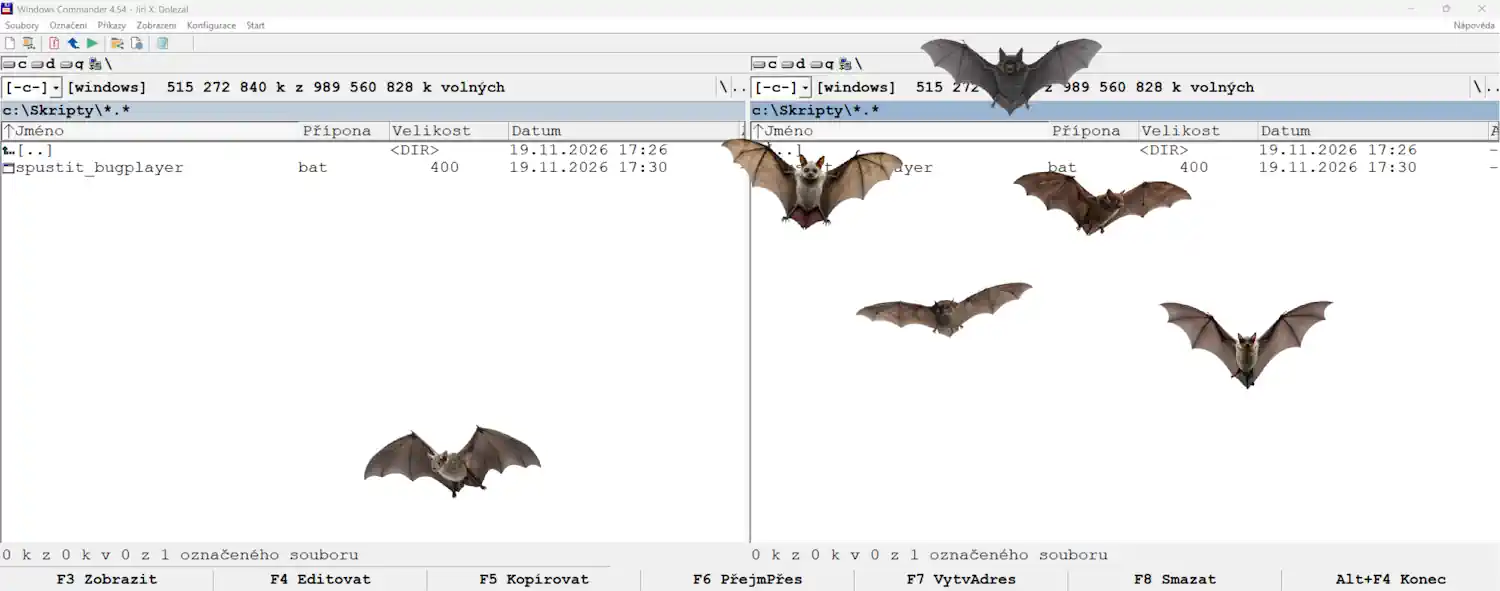
Bat Swarm is a Windows desktop application developed by Jiri X. Dolezal under the JXD VibeLabs name. This policy explains how the application handles information.
Information handled by the application
Bat Swarm does not collect or transmit personal information to the developer. It does not require an account and does not include advertising, tracking technologies, analytics services, or automatic crash reporting to the developer.
The application does not read your documents, browsing history, contacts, or screen contents. It uses your primary screen’s dimensions to position and move the bat characters.
Settings stored on your device
Bat Swarm saves the following preferences on your device:
- Your selected bat characters.
- Your movement speed.
- Your Always on top preference.
These settings are stored in a file named bats_swarm_config.json in the application’s settings folder. The current application uses %APPDATA%\JXD VibeLabs\Bats Swarm; Windows may manage or redirect this location for packaged installations.
The application also uses a local lock file to prevent multiple instances from running simultaneously. This file may contain process and computer identifiers used locally for that purpose. It is not transmitted to the developer.
If you enable launch at Windows sign-in, the application uses Windows startup settings to remember that choice.
Bat Swarm does not upload these files or settings. Any backup or roaming performed by Windows or other software is governed by your device configuration and the relevant service’s policies.
Network access and external links
Bat Swarm’s desktop animation and controls work without an internet connection. The application does not send your settings or usage activity to a server.
The About window contains optional website and email links. Opening one launches your browser or email application. Any information handled by those applications or by the website you visit is subject to their respective privacy practices.
This policy covers the Bat Swarm application. It does not describe cookies, visitor statistics, or server logs used by a website hosting this policy.
Microsoft Store and Windows
Microsoft Store and Windows may process information when you download, purchase, install, update, or run software. That processing is separate from Bat Swarm’s own functionality and is governed by the Microsoft Privacy Statement.
Sharing and selling information
Bat Swarm does not transmit personal information to the developer or third parties. The application does not sell personal information or share it for advertising.
Your controls and data removal
You can change your saved preferences through the application’s notification-area menu.
To remove the saved preferences, exit Bat Swarm and delete bats_swarm_config.json from its settings folder. If you launch the application again, it will use default preferences and create a new settings file.
You can disable automatic launch through the application or Windows startup settings. Uninstalling the application may leave local settings behind, depending on the installation method.
Contacting the developer
If you choose to email the developer, your email address and any information you include will be received through email. Please do not include sensitive information that is unnecessary for your enquiry.
For privacy questions, contact:
Jiri X. Dolezal — JXD VibeLabs
jxd@jxd.cz
Changes to this policy
This policy may be updated to reflect changes to the application or its handling of information. The date at the top identifies the latest revision.